

Accessibility Features Are Helpful For Kids, Too
A handy guide on what to do when your kids say "Hey, I'm dying too much" and other common parental problems while gaming.

Accessibility features can be a wonderful thing for everybody, especially when gamers can get into the nitty-gritty of customizing a game experience. They’re intended for gamers with disabilities, but there’s a beneficial overlap not only for kids, but for those of us who are getting older and need things like subtitles.
I hadn’t paid much attention to accessibility features until I became a Certified Accessible Player Experiences Practitioner through the AbleGamers Charity.
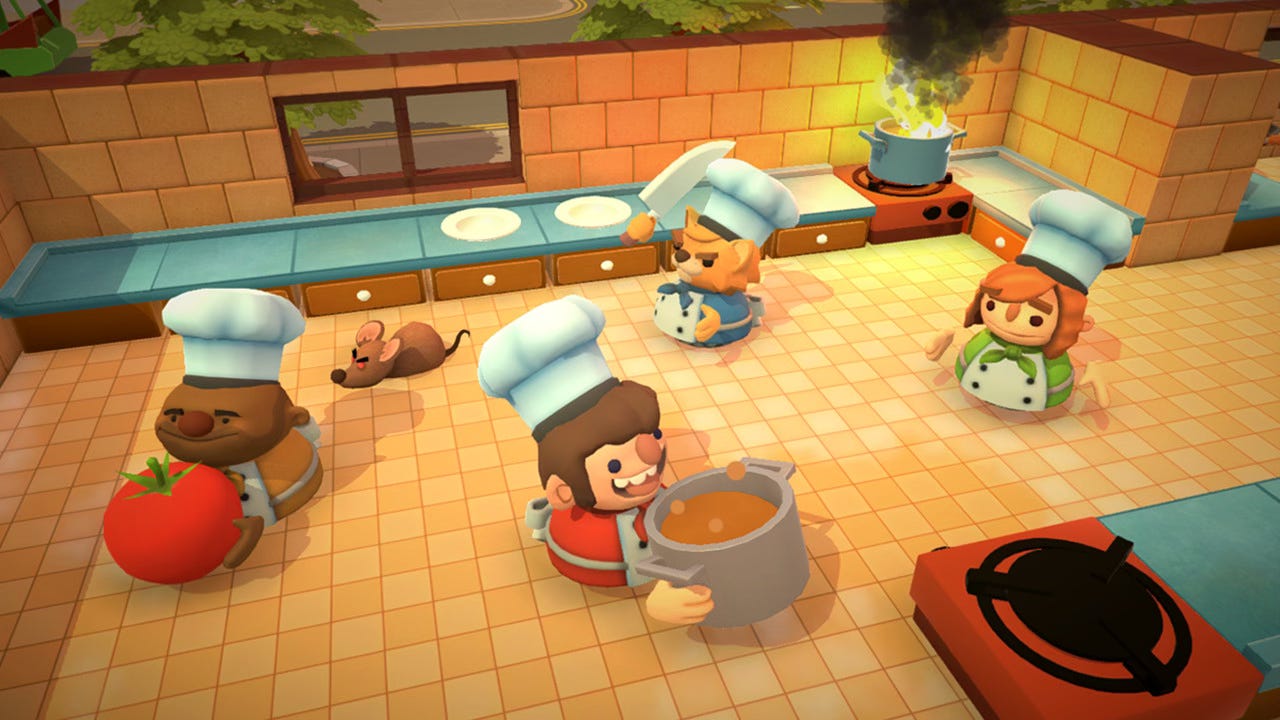
Apart from Sackboy and LittleBigPlanet 2, one of my absolute favorite co-op games is Overcooked! All You Can Eat, in which up to 4 players fend off hoards of zombies (the Unbread) by fulfilling orders in various (and very wacky) kitchens. The only downside is that when you play with children who can’t keep up or refuse to follow instructions, it feels too much like real life with nagging and losing your patience.
But between Overcooked and Overcooked! AYCE, the introduction of the latter version’s Assist Mode could be called the greatest thing since, well, sliced bread. Instead of a barrage of orders piling up relentlessly where everybody ends up failing terribly, rage quitting and/or crying, Assist Mode reduces the number of orders to two, with time customization options, like increasing the round timer and time to fulfill orders.
Ahh. Challenging yet peaceful gameplay.
Knowing all this, when you’re booting up a game with your kids, here are some accessibility potentially useful features to look into, starting with common problems:
“I can’t reach the buttons!”
If kids are having trouble reaching certain buttons because their hands are too small or keep slipping (i.e. tablet problem), for mobile games, try an alternate control setup or attaching a Bluetooth controller. For consoles or PC/Mac, try remapping controls and/or switching to a keyboard/mouse input if the option is available.
“I’m too slow!”
If kids aren’t quick or dextrous enough for quick-time events, try slowing down the action with options like auto-aim, adjustable difficulty, control sensitivity, target lock-on, and optional repeated taps.
“I keep dying!”
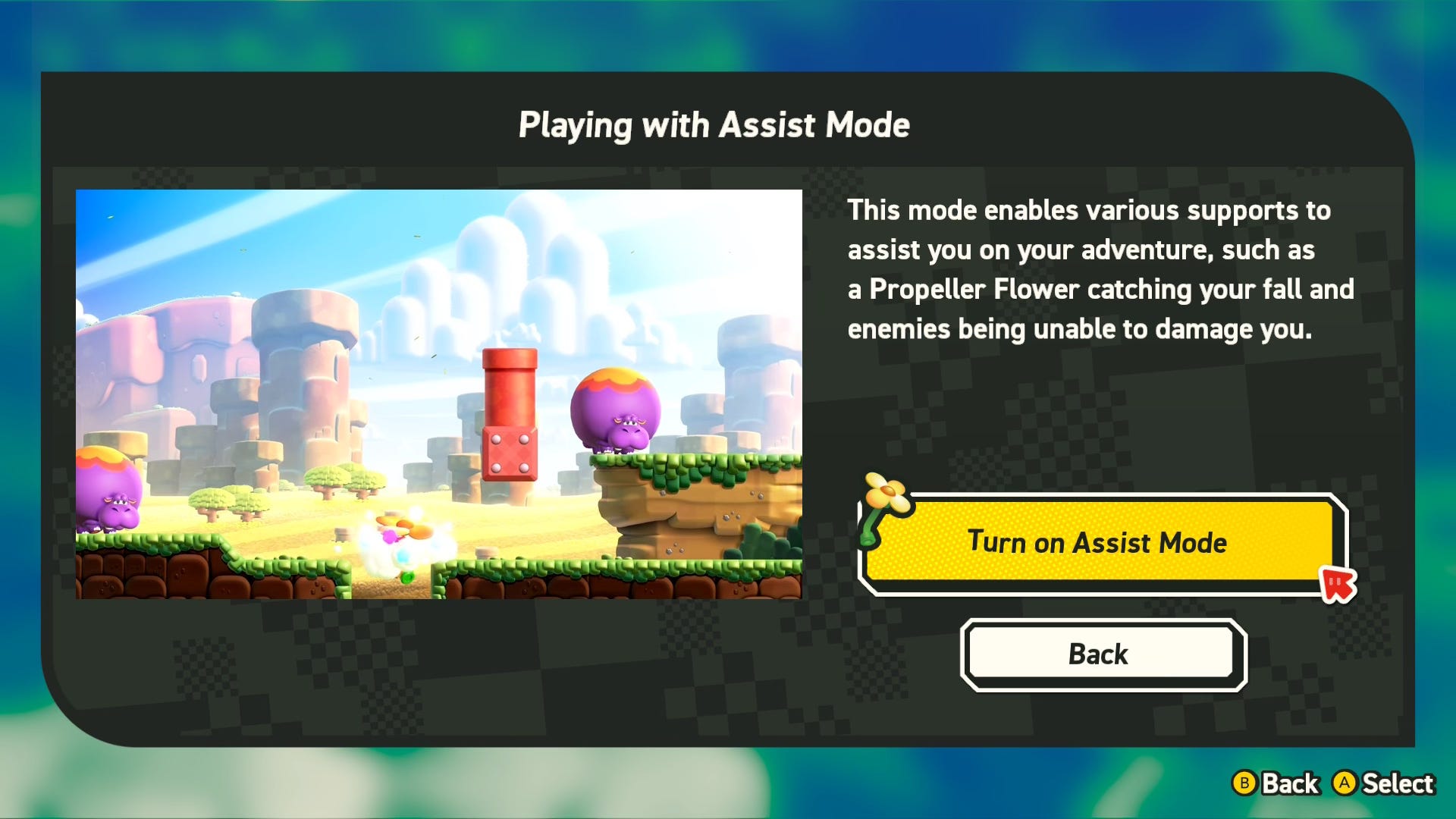
Some platformers have invulnerability/invincibility/infinite stamina modes or unlimited lives. This is a game changer for precision platformers that are often punishing. Try also for double jump functions. You may also want to look for games with replayable losses, frequent checkpoints, skippable gameplay, etc.
“I don’t like when the controller shakes!”
Try turning down/off haptic/rumble feedback, as well as the controller speaker.
“This is boring.”
It might be that you bought a game with too many cinematics or heavy emotional content that was fun to play, but the story hits too hard (or light) in the feels for a kid. Some games may offer a skip content function so you can bypass things like death scenes. To be honest, if that’s the case, the game content might be too mature in the first place.
While the writer and narrative designer in me would advise against skipping cinematics, I’m not opposed to skipping them when they don’t offer any special or new information.
“I’m scared of spiders! I’m scared of the big circles!”
Some games like Grounded offer customizable arachnophobia sliders and options that reduce the detail in spiders so that they can become blobs or even cats. Similar features sometimes exist for trypophobia.
“I want to play too!”
While games like Pikmin 4 and Super Mario Odyssey don’t do well in providing an actual second character, playable assistants can be used by grown-ups who can tolerate the boring “unnamed target” and Cappy to play along and make things a little easier. On the flip side, some kids don’t mind being “unnamed target” because it means spending time with you. Cue melting hearts.
“There’s too much happening!”
It should be noted that neurodivergence like autism and ADHD are more commonly recognized as disabilities in game developers themselves, so many studios are aware of gamer needs from a cognitive standpoint. Some gamers find too much information overwhelming and overstimulating, so sometimes it’s good to be able to turn off things like certain sound and visual effects.
While age has made me more prone to motion sickness in games, and not having motion sensitivity controls is often a dealbreaker, I’m otherwise okay with accessibility features as a surprise.
However, if you’re looking for particular accessibility features, try searching databases like AccessibleGames.com, AbleToPlay.com, and FamilyGamingDatabase. On the first two, you can customize and save searches to be used and updated as more games are released and added. Many games now list accessibility features on Steam store pages or offer specifically dedicated store pages.
Happy gaming!
 | A guest post by
|
These are great, thank you! I mean I might save the “I keep dying!” One for myself and resist the urge to tell my child “we just got good in my day!!!”🤣